IPTV Smarters Player Setup: Log In and Start Watching
Add your login to IPTV Smarters Player in a few taps on a Smart TV, phone or Fire Stick.
By StreamPro team1 min read
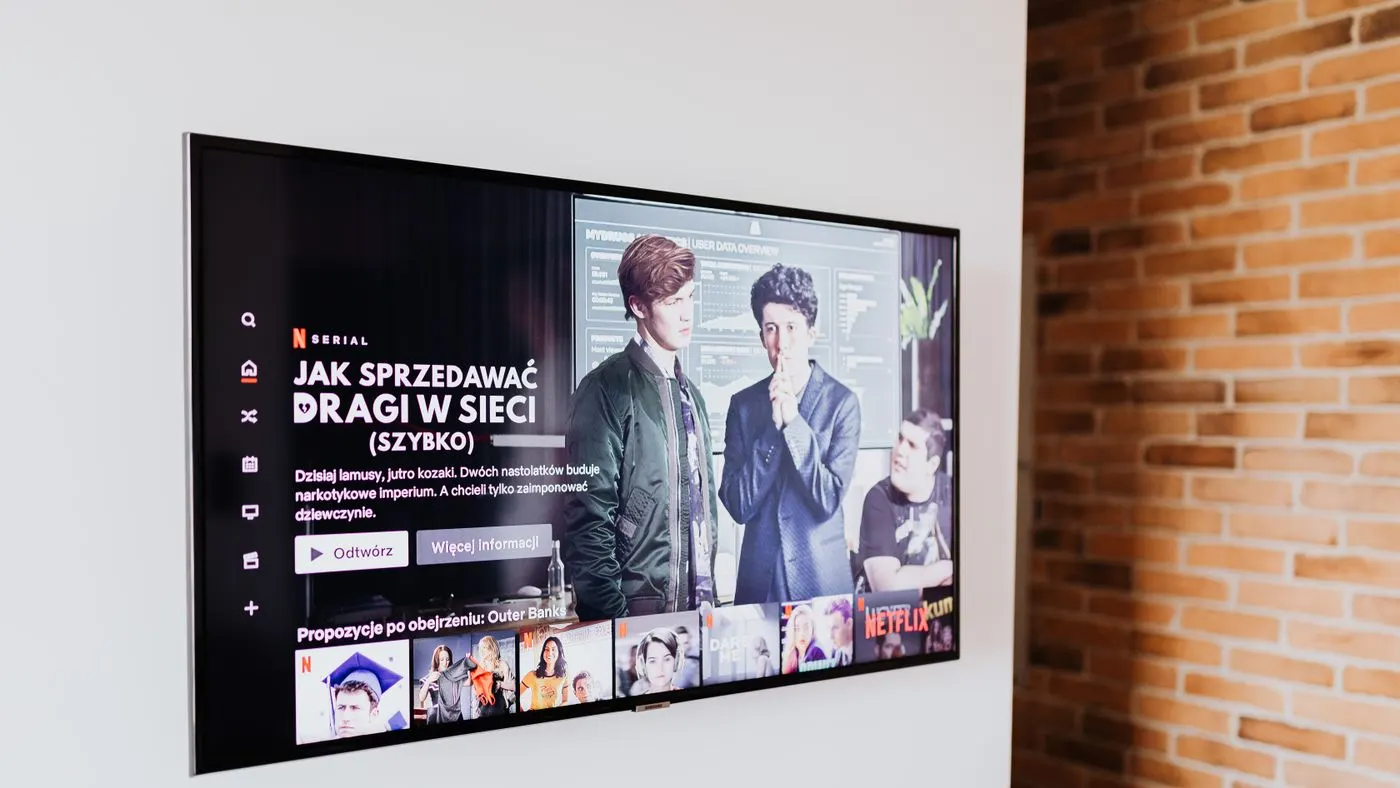
IPTV Smarters Player is a free app that plays your IPTV subscription on almost any screen. Once you have your login details, setup really does take only a few minutes.
Before you start
- A device with internet access: Smart TV, Fire Stick, Android or iPhone, Windows or Mac.
- The username, password and server URL we send you by WhatsApp or email.
Step by step
- Download IPTV Smarters Player from your device's app store.
- Open the app and choose Login with Xtream Codes API.
- Give the profile any name you like, then type in your username, password and server URL exactly as sent.
- Tap Add User and wait a few seconds while the channels load.
- Browse live TV, films and box sets from the home screen.
Prefer an M3U playlist?
Most players also accept an M3U playlist link. Choose the M3U IPTV option in the app and paste the link we send you. For a device-by-device walkthrough, see the UK installation guide or the Smart TV guide.
Nine times out of ten a login problem is just a typo, so check each character.
Need your login first? Pick a plan on the pricing section and you will have your details within minutes.Applications : IBo Players
Keep reading

8 min read
British IPTV: Find the Right IPTV Subscription in the UK
British IPTV : Explore IPTV subscription features, UK channel access, streaming quality, device compatibility and tips for choosing a reliable service.IPTV British
Read more
1 min read
Best IPTV UK for Live Football: What to Check
Match day is when a poor IPTV service falls over. Here is what to look for in a British IPTV subscription.
Read more